AI-powered creator of complete, themed lesson plans
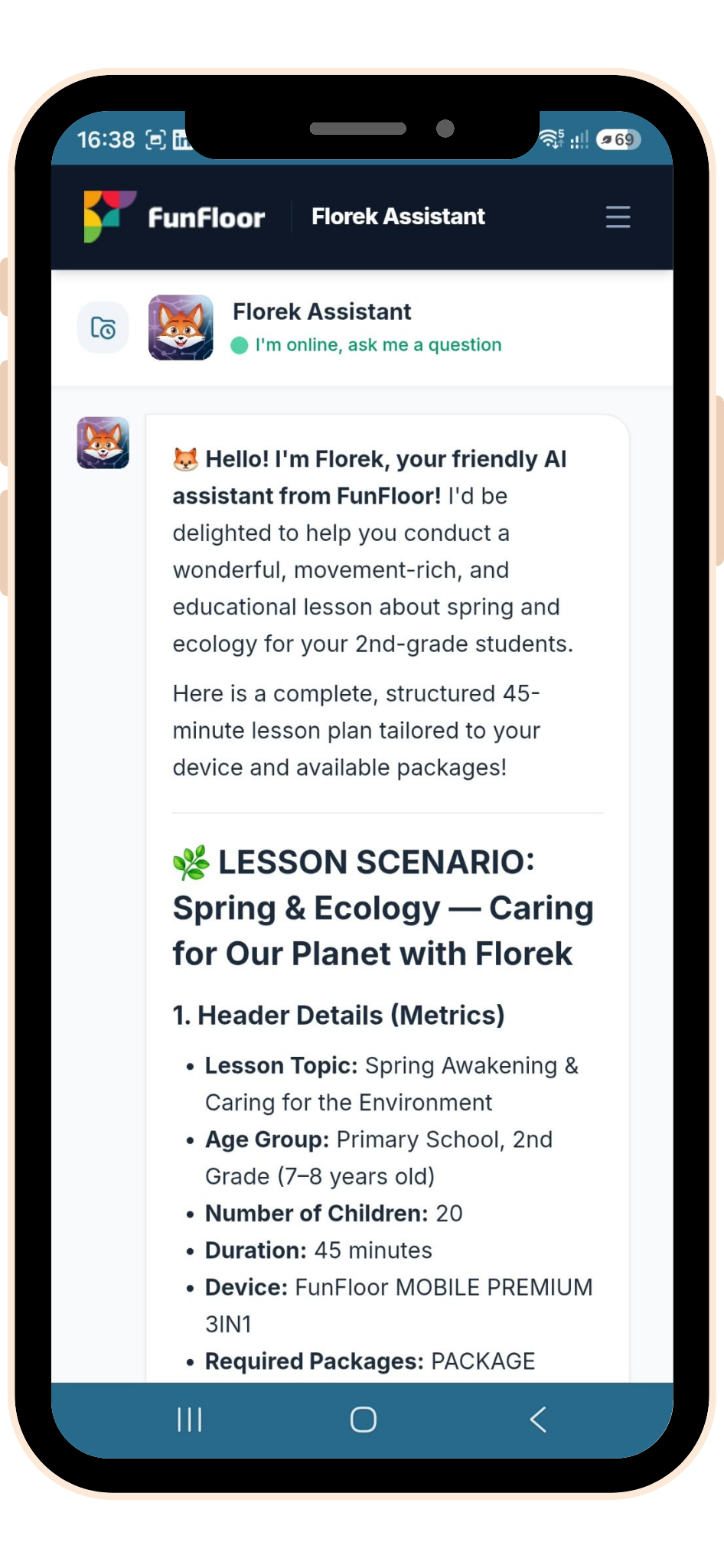
Lesson plans tailored to your device, game packages and accessories
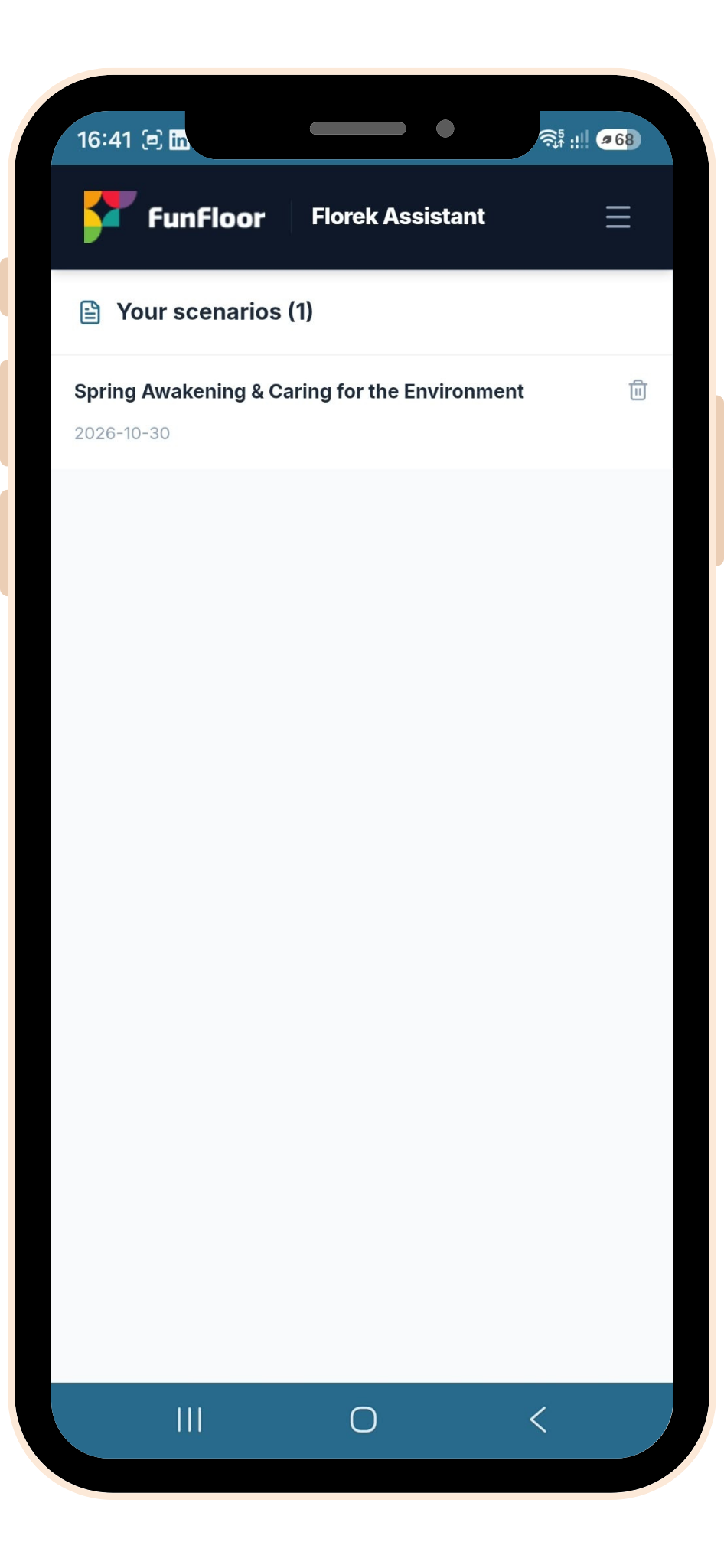
Archive of conversations and saved lesson plans
Export lesson plans to DOCX or PDF
Ten languages available: English, German, Spanish, Italian, French, Swedish, Polish, Lithuanian, Finnish, Estonian
How to use the app
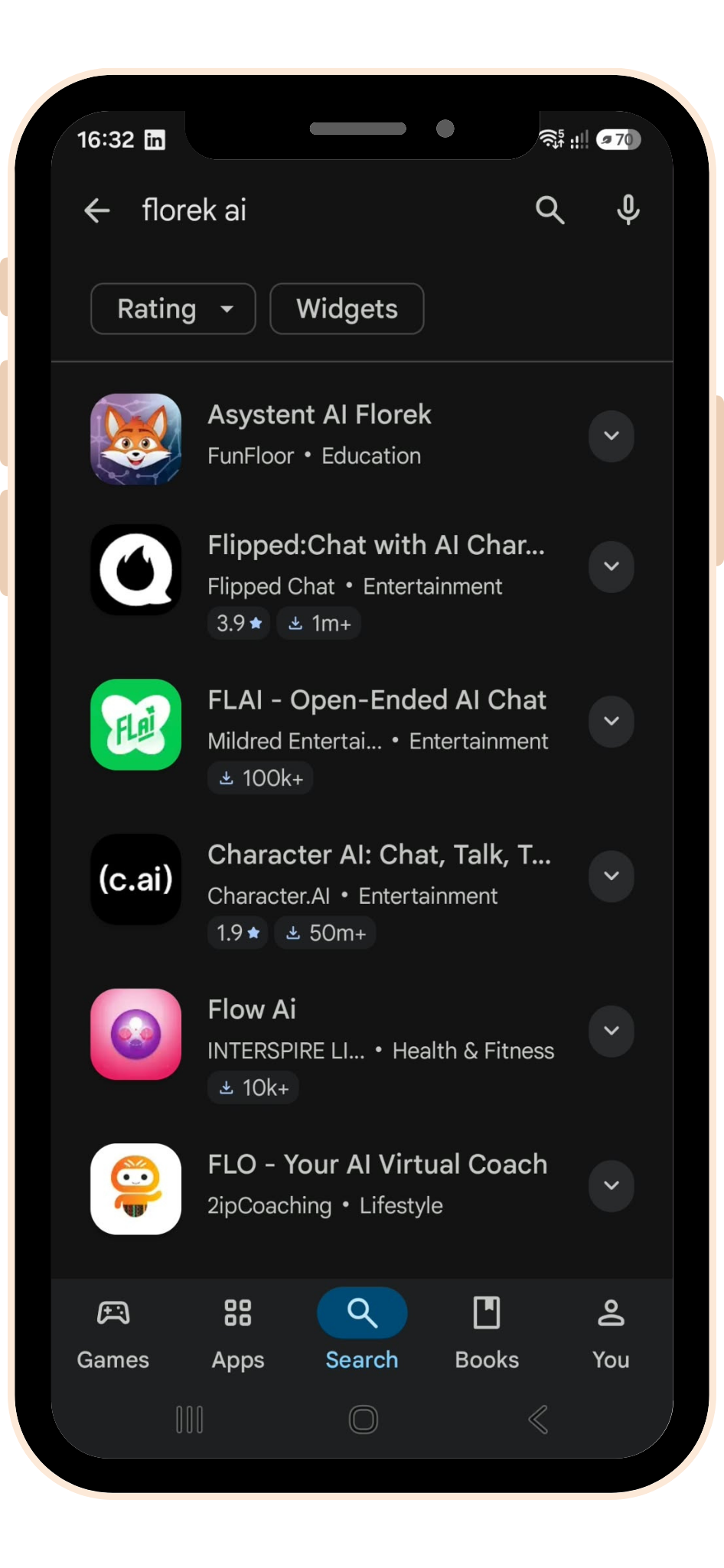
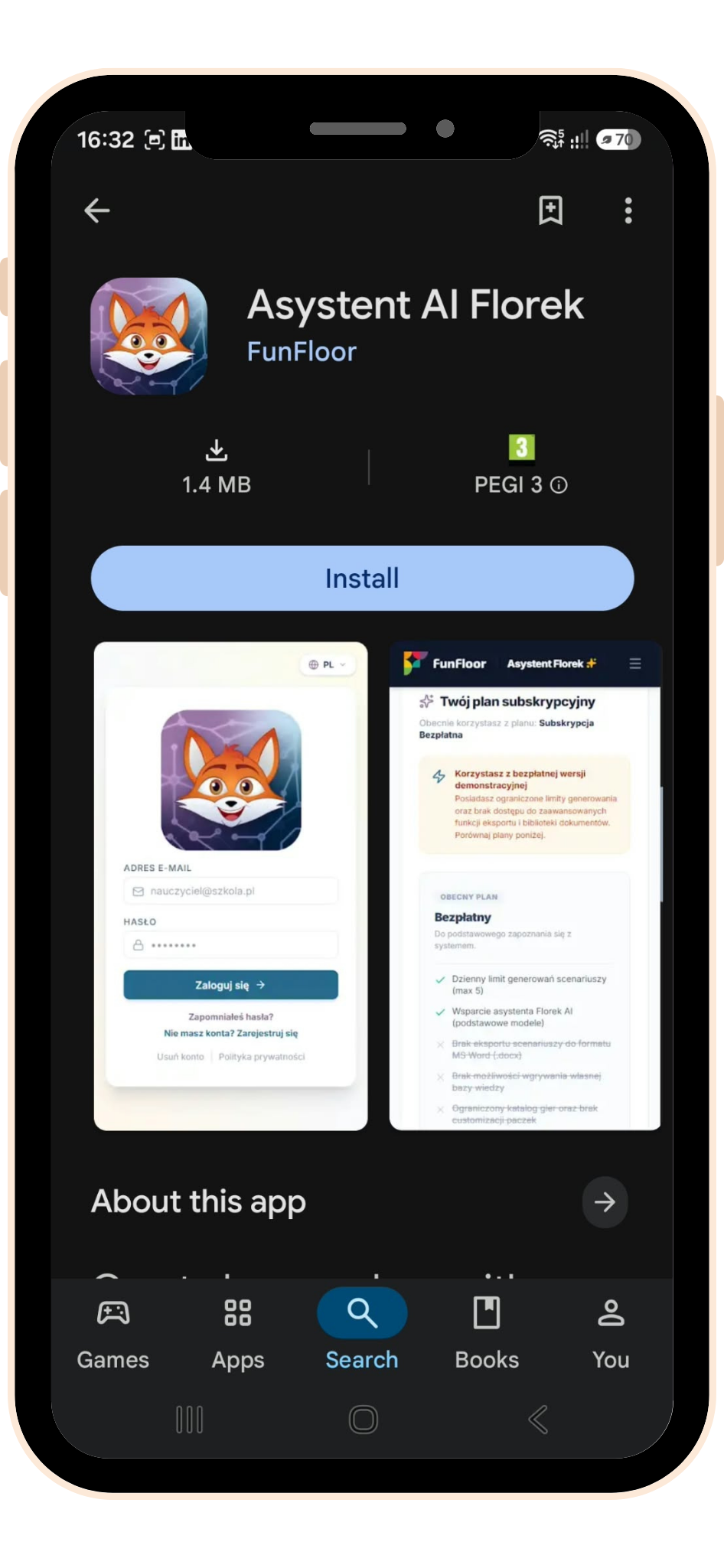
Download the app
The app is available to Android users on Google Play.
Create an account and sign in
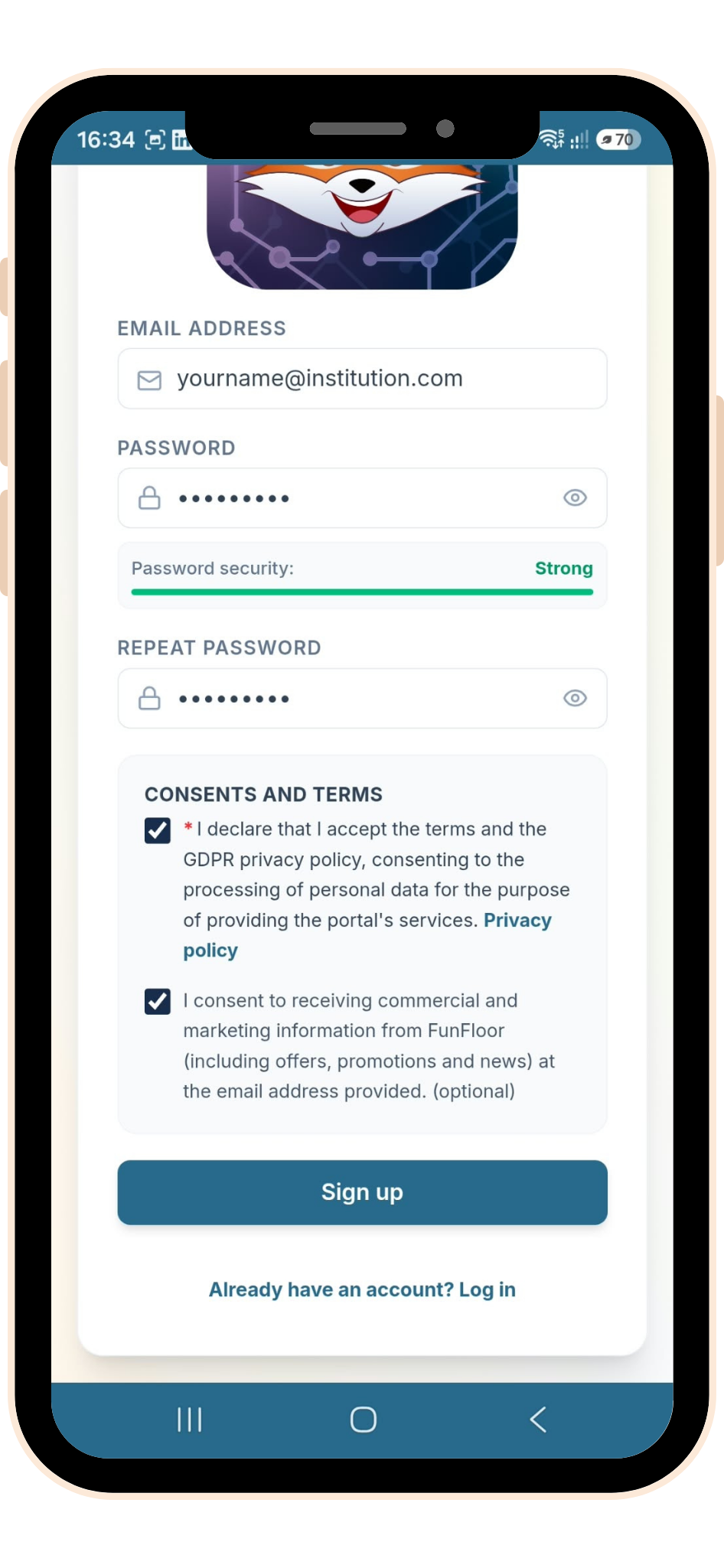
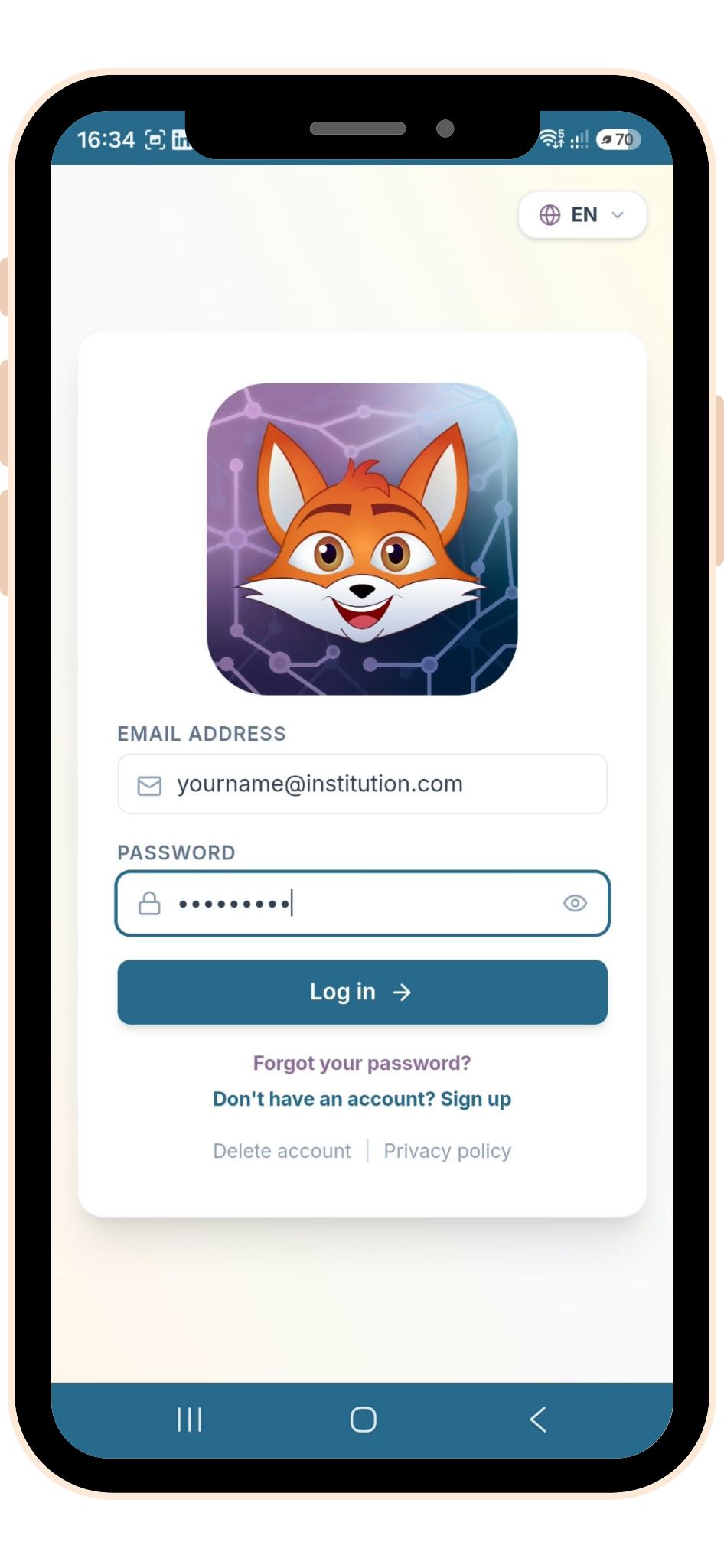
Create a new account in the app, then sign in.
Configure your settings
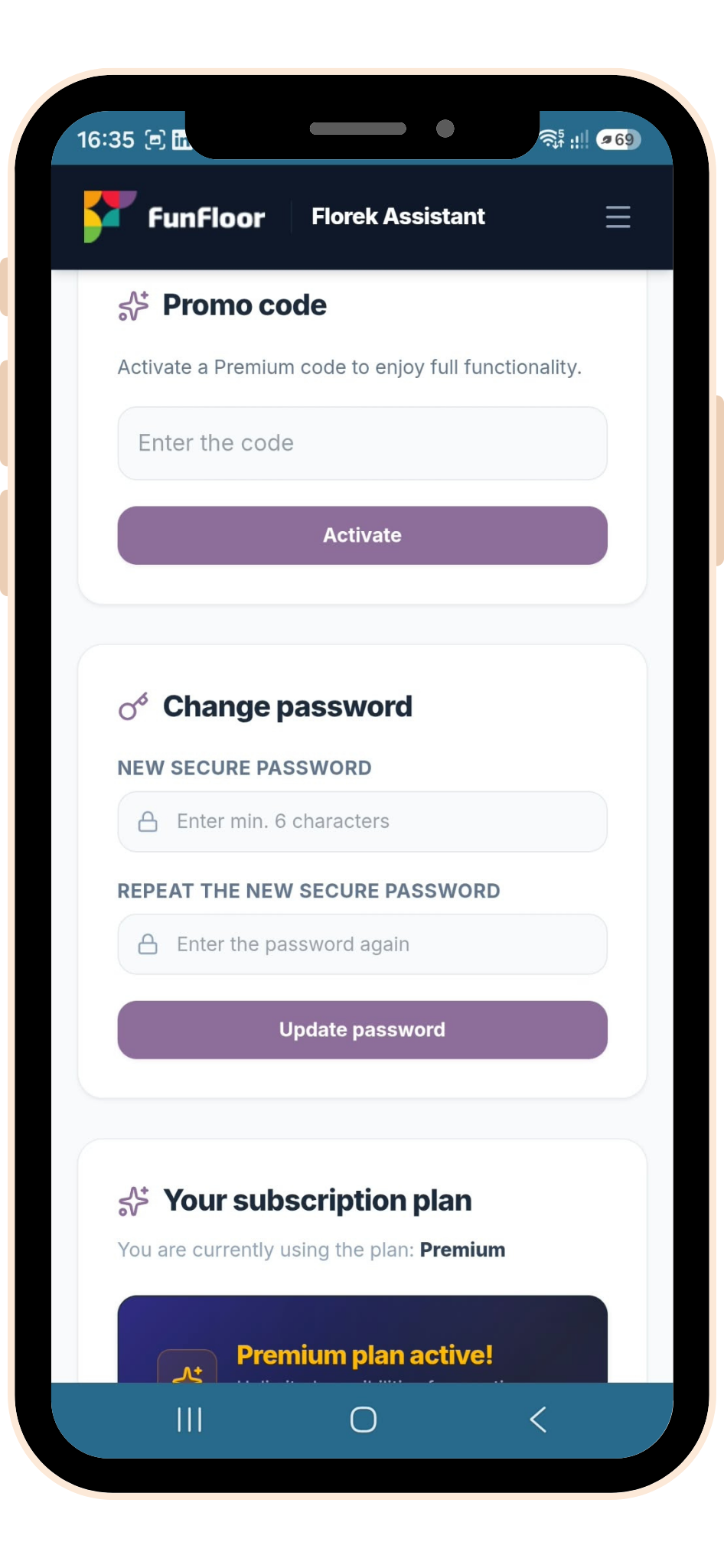
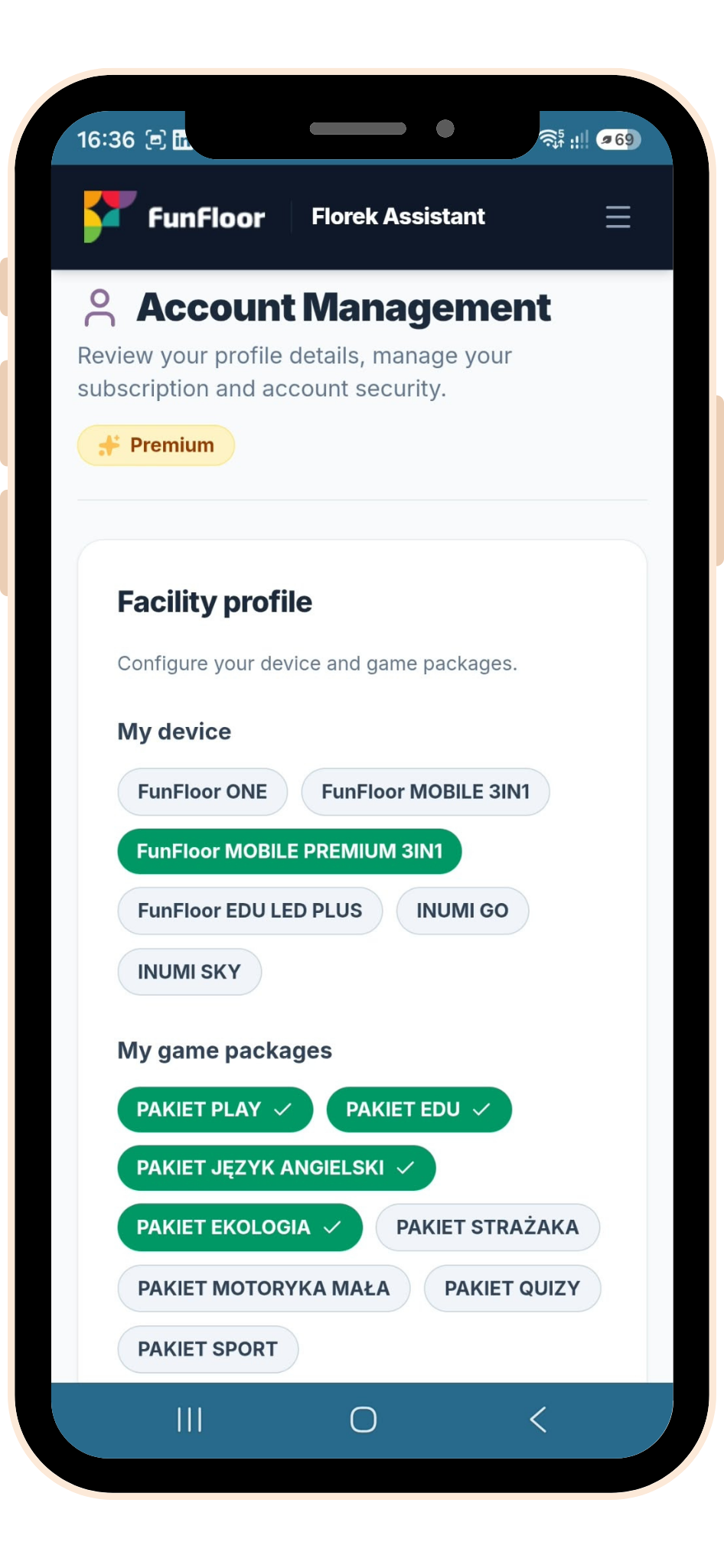
In the account management tab you can activate a promo code, check your current subscription plan and change your password.
Premium Premium subscribers can also select their FunFloor device and game packages here – Florek will automatically take them into account in every lesson plan.
Create a new lesson plan
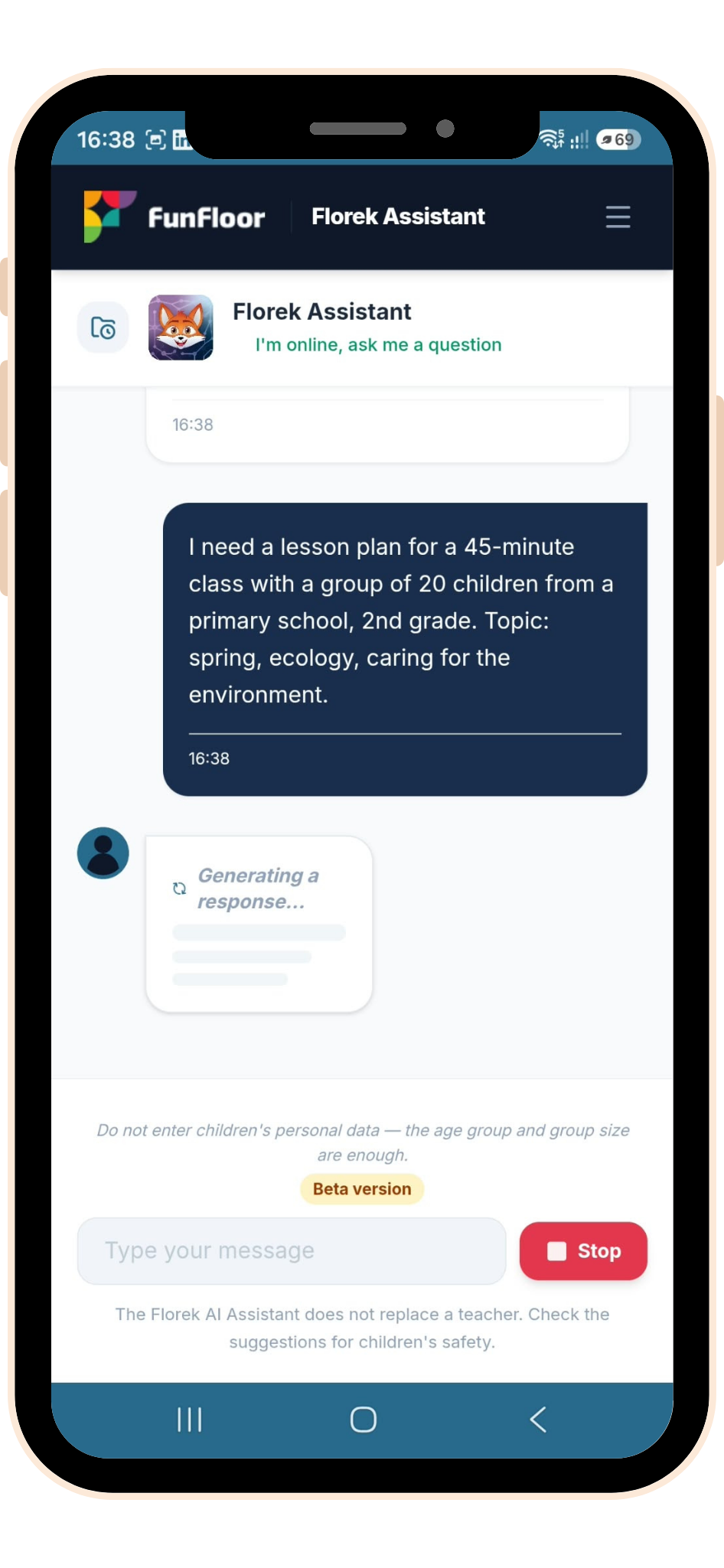
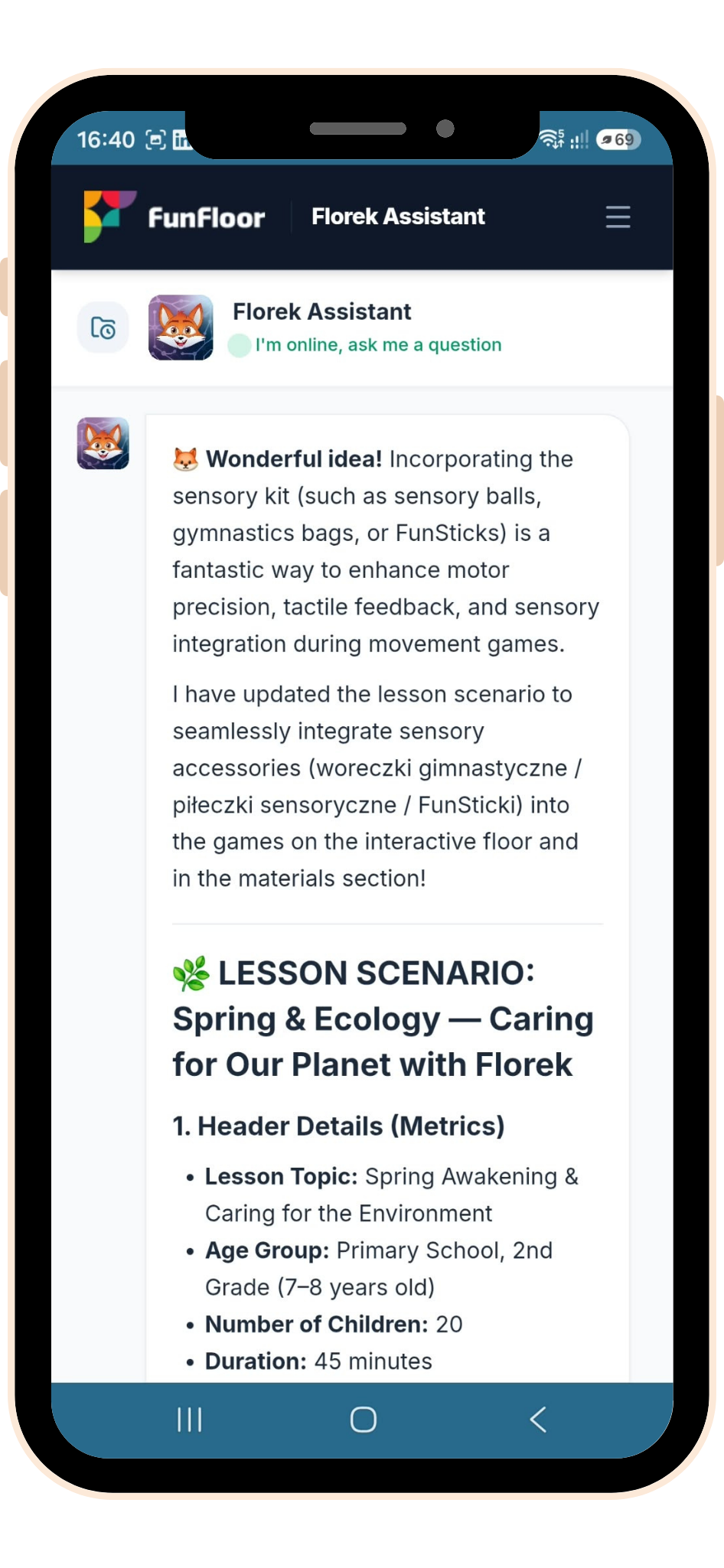
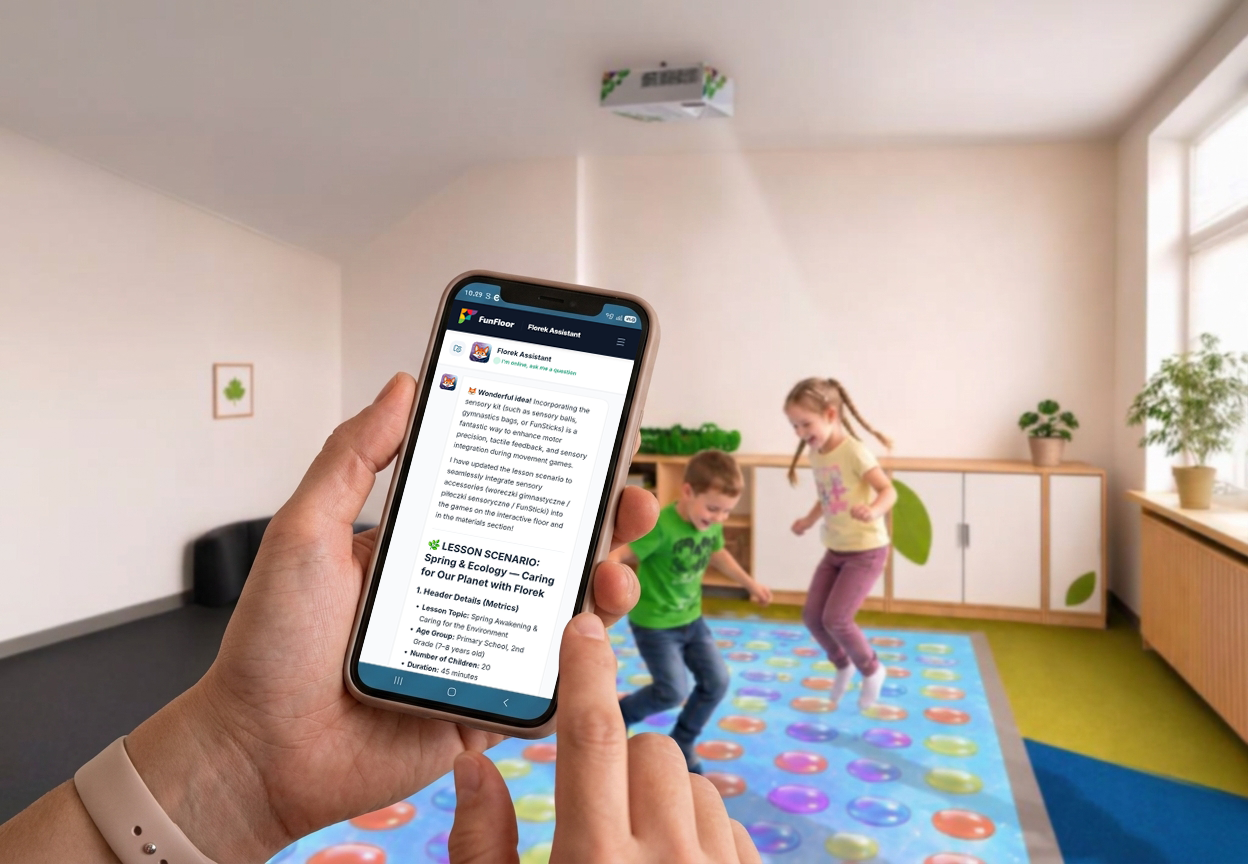
Type a message in the chat with the topic and length of the session, the group size and age range, your device model, accessories and game packages, plus any other information you consider important.
Refine it
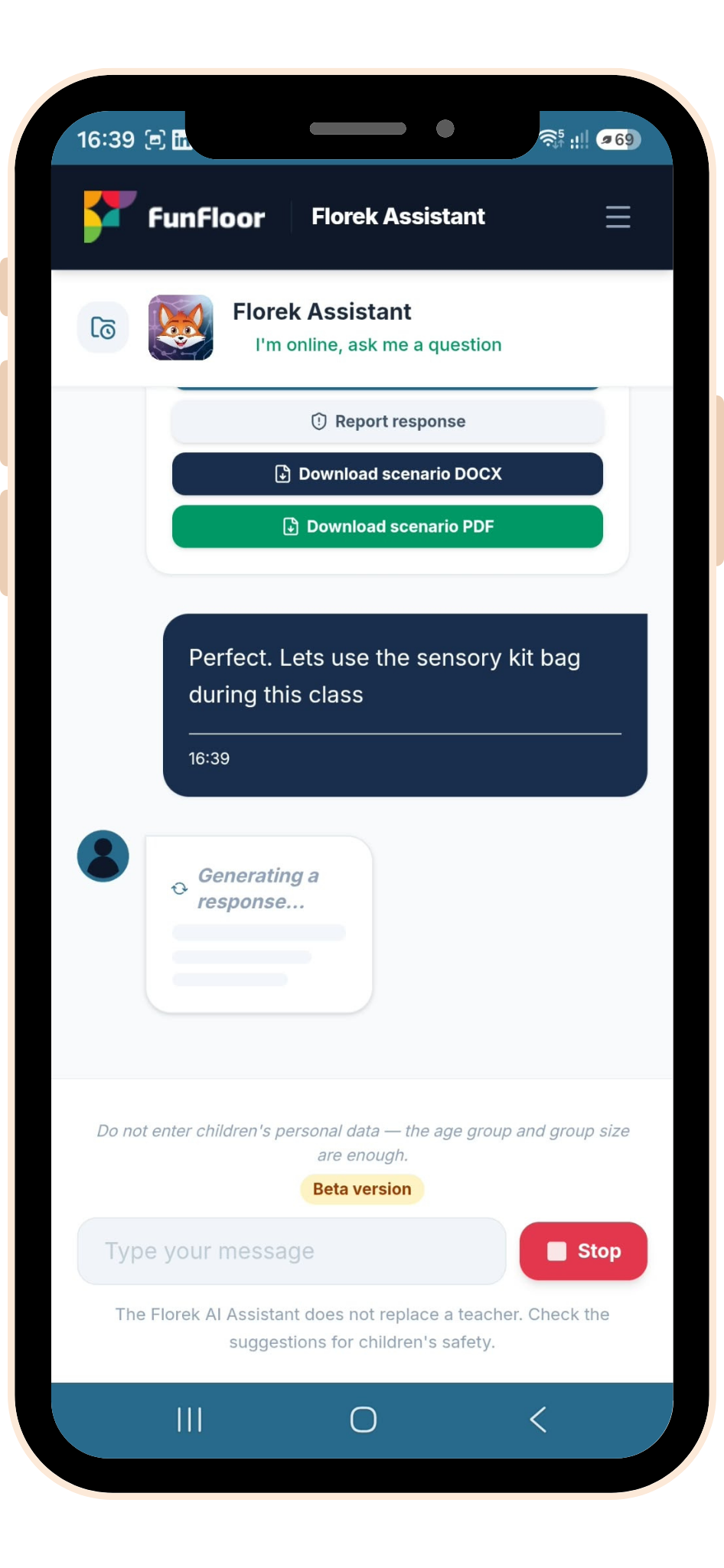
Continue the conversation with Florek to refine parts of the lesson plan if needed.
Download the lesson plan
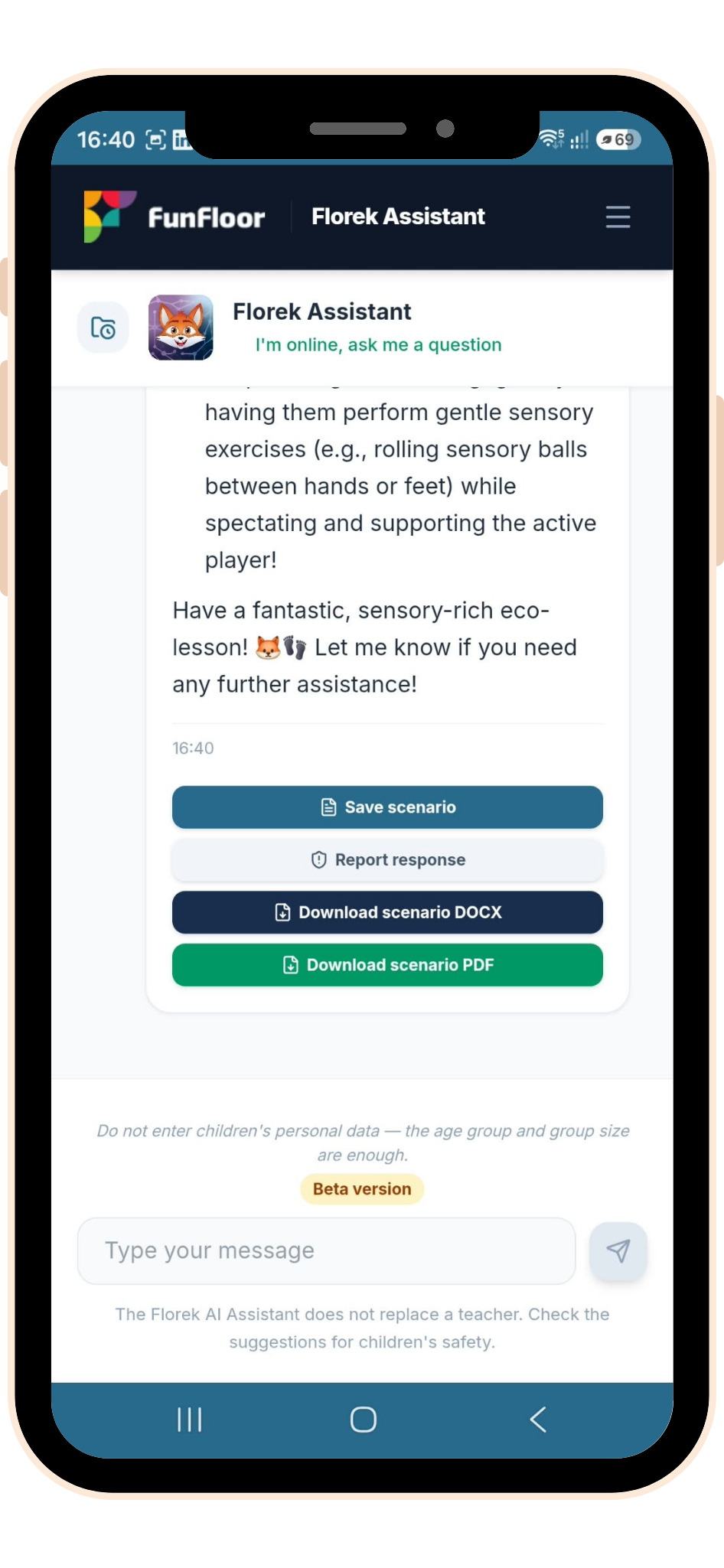
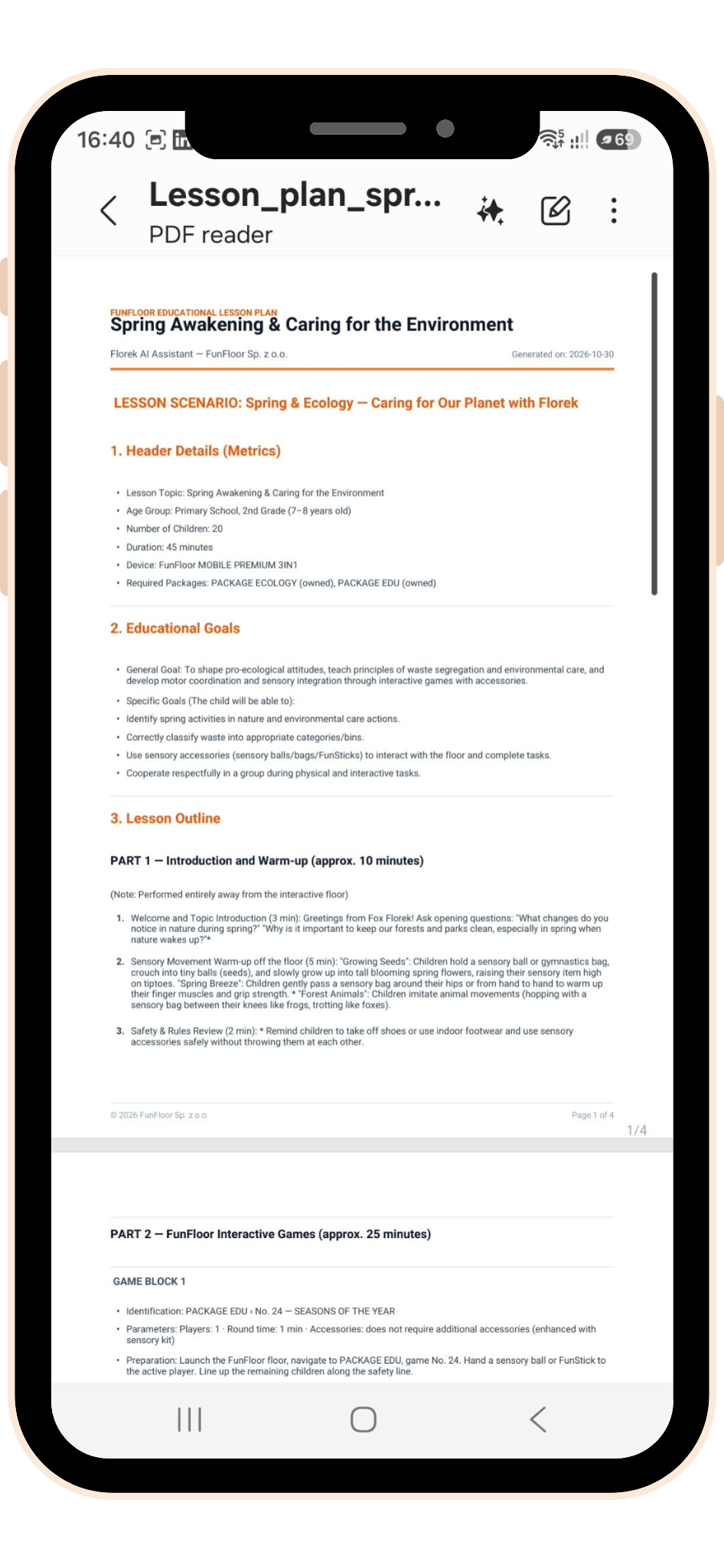
Premium Download the lesson plan to your device in DOCX or PDF format.
Save it to the archive
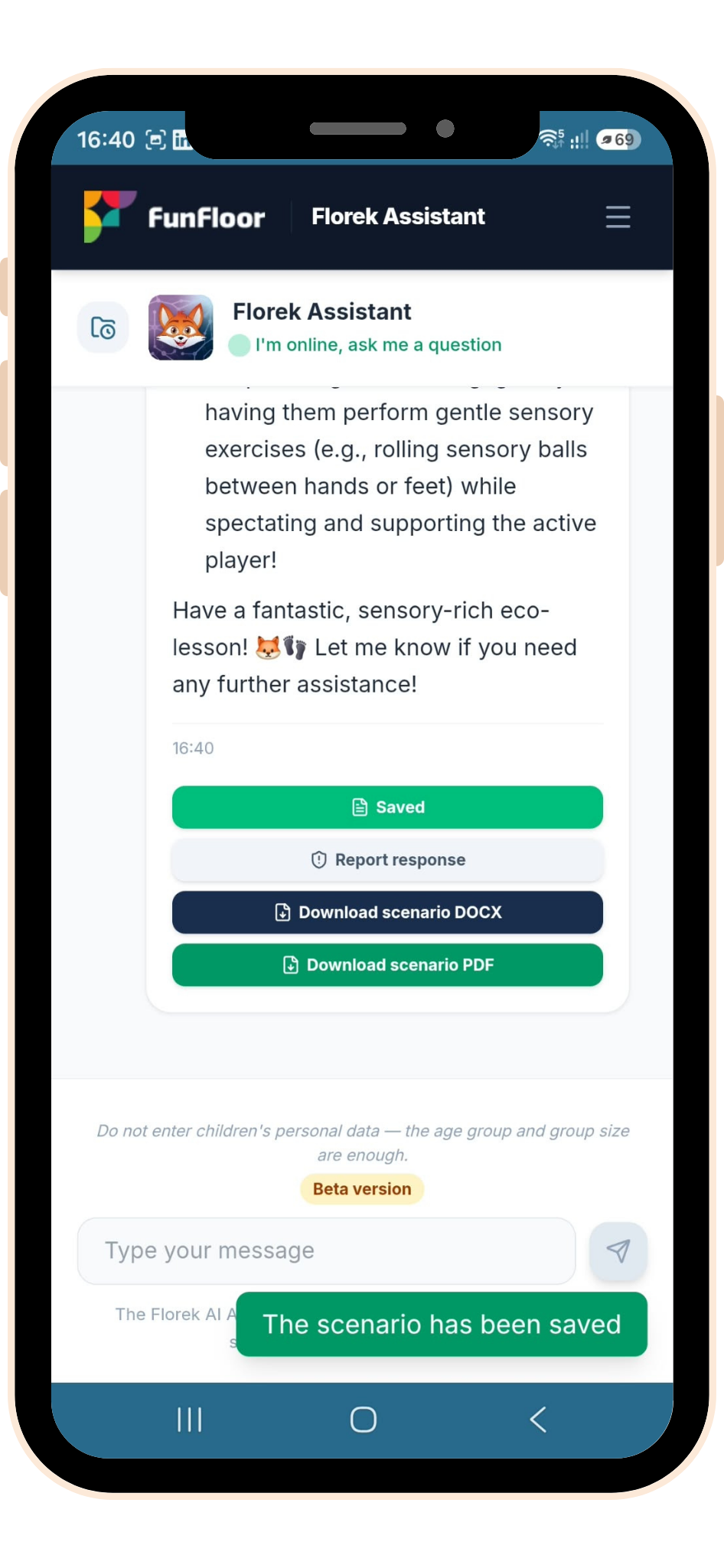
Save the lesson plan to the archive so you can use it again in the future.
Run the session with your group
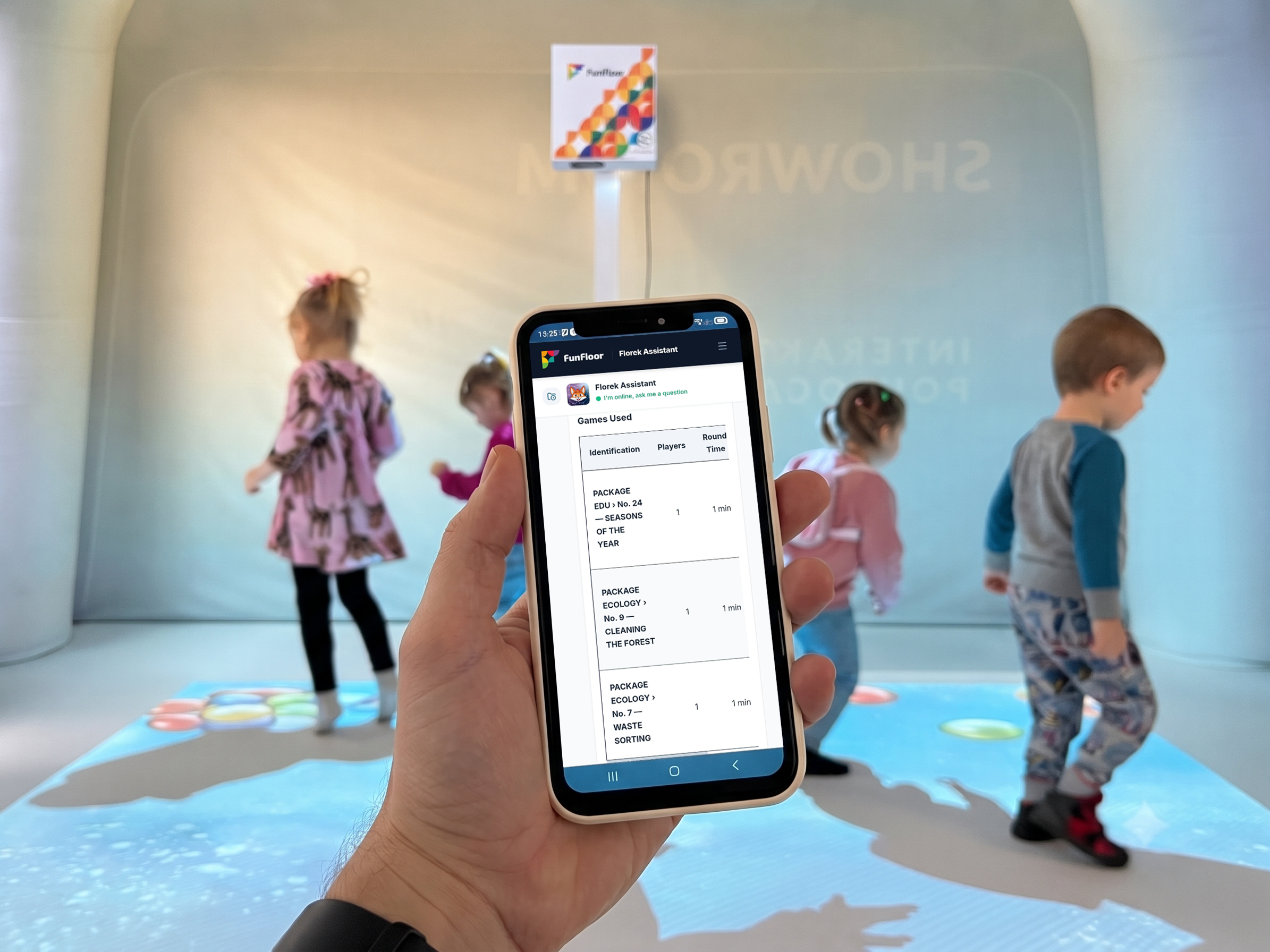
Put your ready-made lesson plan to work with your group. Open it on your phone or print it out, and run the session on the FunFloor interactive floor step by step – with the selected games, instructions for the children and a timing plan.
Subscription plans
Free
Discover what the app can do in your daily work
PLN0.00per month
Daily message limit: 5(up to 5 lesson plans per day)
Archive of conversations and saved lesson plans
Basic AI model
Available by default once you register
Premium
The assistant’s full support
PLN9.90per month
Daily message limit: 50(up to 50 lesson plans per day, or in-depth refinement)
Just fill in the form below and agree to receive marketing communications, and we’ll send you a promo code that activates 3 months of Premium to your email address!
Download the Florek Assistant app
Ready for quick, stress-free lesson preparation?
Florek AI Assistant is free to download from Google Play.
Click the button below to download the app to your Android device:
Frequently asked questions
Is the Florek Assistant app free?
Yes – registration and basic use of the app are 100% free. When you create an account, you automatically get the Free plan, which lets you generate up to 5 lesson plans a day using the basic AI model.
How much does Premium cost and what does it include?
Premium costs PLN 9.90 per month. It unlocks Florek’s full capabilities:
A 10x higher daily message limit, letting you generate up to 50 lesson plans or refine them in depth.
Access to an advanced AI model for even more accurate lesson outlines.
One-click export to editable DOCX (Word) and PDF files.
The option to upload your own files (PDF, DOCX) directly to the app’s knowledge base.
The option to save your FunFloor equipment, so you don’t have to specify it in every prompt – your lesson plans are automatically matched to your equipment.
How can I activate Premium for my school or institution?
To get a Premium activation code (e.g. for billing to your school or payment by bank transfer against an invoice), contact our team directly at: [email protected].
What information do I need to give Florek to create a lesson plan?
A short chat message is all it takes. Include:
The topic and length of the session.
The group size and age range.
Your FunFloor device model (e.g. MOBILE, EDU LED PLUS, ONE).
Available accessories (e.g. sensory bags, balls, interactive pens) and game packages.
Any other guidelines or therapeutic goals that matter to you.
In what formats can I download and save a generated lesson plan?
With Premium, you can export a finished lesson outline directly to a DOCX or PDF file. On both plans, you can also save every lesson plan to the app’s archive for easy access at any time in the future.
Which devices does the Florek Assistant app work on?
The app is currently available for Android mobile devices and can be downloaded directly from Google Play. Our team is already working on an iOS version.
Will the app help me operate the interactive floor?
Not directly. Florek Assistant is a smart teaching tool for creating and refining lesson plans that use FunFloor devices. It is not a remote control for the floor and is not used to operate the device itself.
Where do my generated lesson outlines go, and how do I find them?
All generated and saved lesson plans go to the saved lesson plans tab in the app’s archive (the folder icon with a clock face). This means you can return to previously prepared sessions at any time, review them or run them again without generating them from scratch.
Which devices and game packages does the app work with?
The app’s database includes all available game packages, and it can tailor lesson plans to any FunFloor device, taking its configuration and available accessories into account. Just add details of your game packages, accessories and device model to your request.
How does the daily message limit work on the Free plan?
On the Free plan you have a limit of 5 messages per day. This lets you generate up to 5 simple lesson plans a day or, for example, create 1 more detailed lesson plan and gradually refine it with the remaining messages in your daily limit. Choose Premium if you’d like a 10x higher limit.